01 ↘
Check it in.
Add the vehicle, note the issue and put the next job in the queue.
VEHICLE + WORK ORDER REPAIR SHOPDISPATCH
Your bays, your people, your next repair.
One workspace that keeps it all moving.
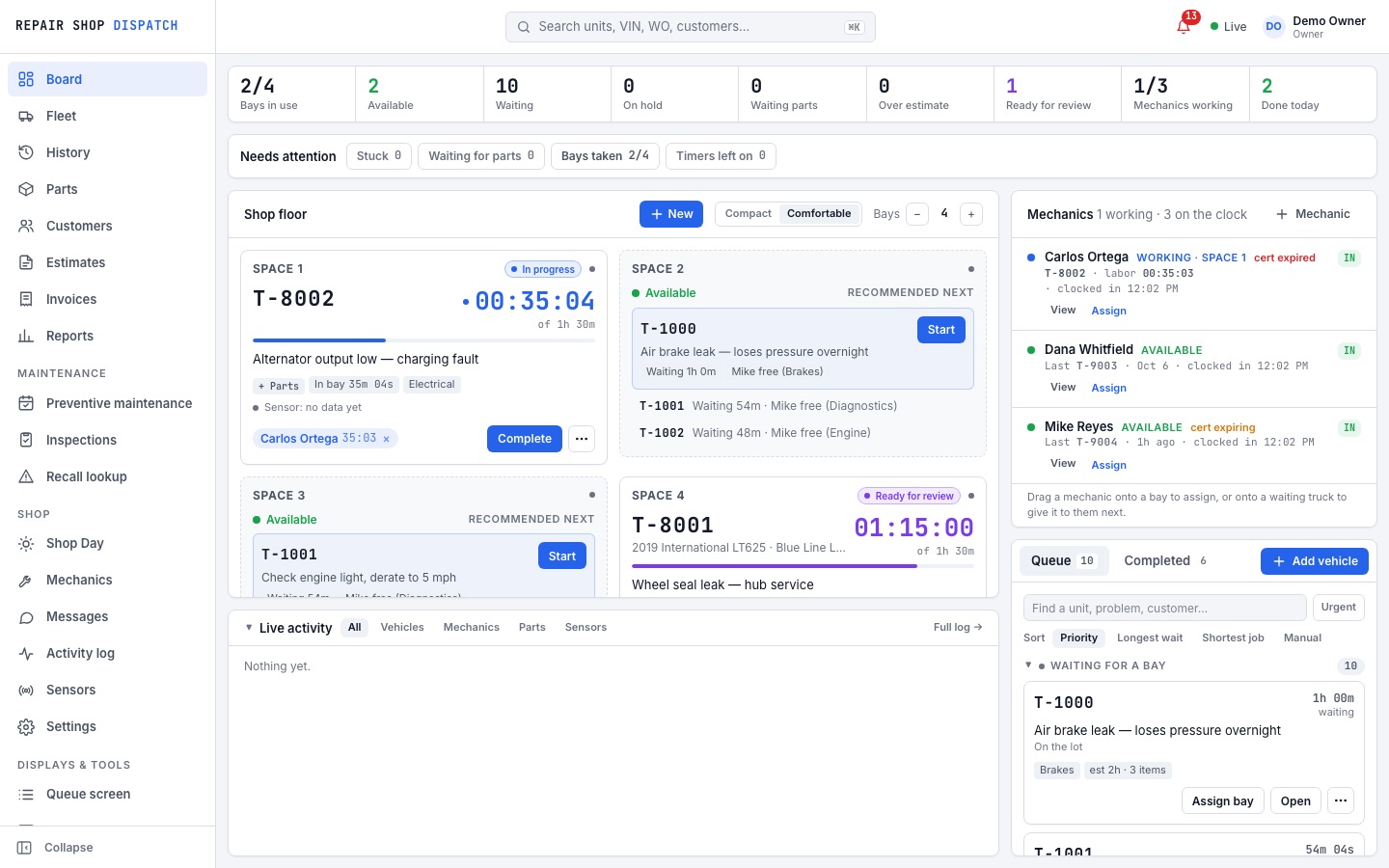
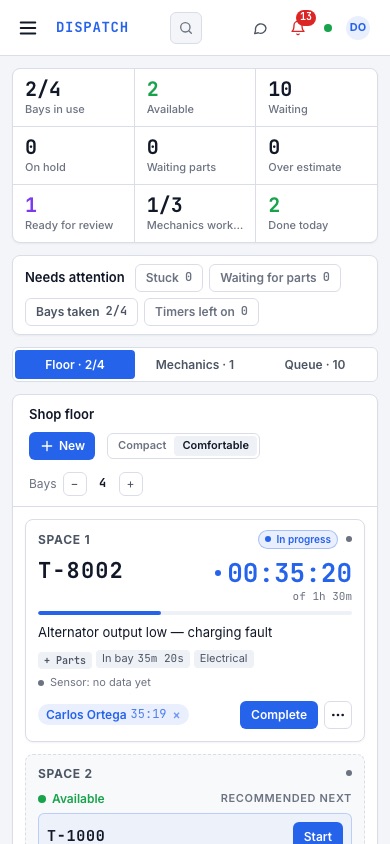
Stop piecing the day together from whiteboards, spreadsheets and conversations. See what needs attention — and what happens next.
Give every vehicle a place, every mechanic a clear assignment, and every job a visible status.
A clear path through the repair.
Without losing the details along the way.
Add the vehicle, note the issue and put the next job in the queue.
VEHICLE + WORK ORDERAssign a bay and a mechanic. Keep labor, parts and progress together.
BAY + MECHANIC + PARTSFinish the repair and turn the completed work into an invoice.
HISTORY + INVOICEKeep the front desk, the shop floor and the office connected through the same repair.
Mechanic assignments, clock-in and clock-out, timesheets and payroll views — in one place.
Keep maintenance needs and inspection alerts visible alongside each vehicle.
Track stock, costs and parts used on repairs. Know what’s running low before the next job.
Connect completed repairs to invoices and keep an eye on outstanding balances.
Use repair history, activity logs and reports to understand what’s happening across the shop.
Product previews use illustrative demo records.
Open the demo. Explore the board. Run a repair from check-in to invoice. See how it fits your day.
Try Demo ↗No sign-up. Sample data. Your real shop stays untouched.The demo shop and everything in it is deleted after 24 hours.
Already using Repair Shop Dispatch?
Log in to your workspace ↗
Repair shops working on trucks and trailers, and teams coordinating fleet maintenance. It brings vehicles, bays, mechanics, parts and repair records into one workspace.
Explore sample vehicles and parts, create a work order, assign a bay and mechanic, record parts, complete a repair and create an invoice. No account is required.
No. The demo is separate from the live application. It is a separate sample shop with its own data, deleted after 24 hours. Nothing in it goes out: emails, payments and sign-ins are turned off.
Use Log in at the top of this page to open the existing Repair Shop Dispatch application and sign in with your email and password.
Yes. This website and the interactive demo adapt to smaller screens. A larger screen gives you more room to view the dispatch board and detailed tables.